Update GLights 6 whitelist script to GlobalSettings
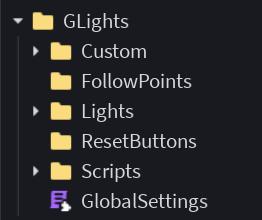
GLights 6.3.0 introduced a new script named GlobalSettings, replacing the Whitelist script that used to be there. The old script will keep functioning and will not be automatically updated, however we recommend replacing it with the new script for new features. This page explains how to do that.
To update the script:
-
Remove the old
Whitelistscript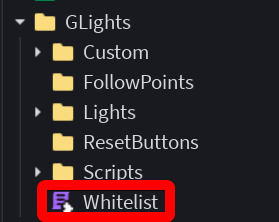
-
Insert a new temporary set of GLights 6 from the toolbox, the same way you inserted GLights 6 originally
-
Copy the new
GlobalSettingsscript from the new GLights 6 model to your existing set of GLights -
Remove the temporary model
-
Edit the new
GlobalSettingsto match your old whitelist. You can learn how to do that here
At the end, your folder should look like this: