Topbar
The topbar of each panel includes the name of the light and the version of GLights used.

You can change the name of the light on the panel by simply editing its text. If you don't change it, then GLights will automatically change it to the name of the folder the panel is in when the game starts.
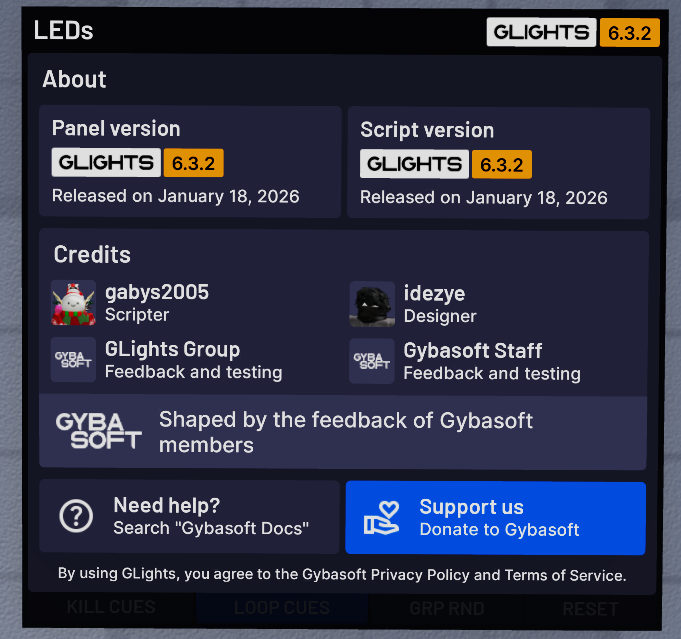
You can click on the version to open a window with information about GLights and the current versions.
If there is an announcement from Gybasoft, an exclamation mark will appear next to the version. You can click it to open the announcement.
If an update is available, an update arrow will appear next to the version. You can click it to open information about the newest version.
If keybinds are set up for this panel, a keyboard icon will appear on the topbar. Pressing it will enable keybinds. You can learn more about keybinds here.